
Gaming communication for squads
Talk in voice channels, text in chat and
share live screens
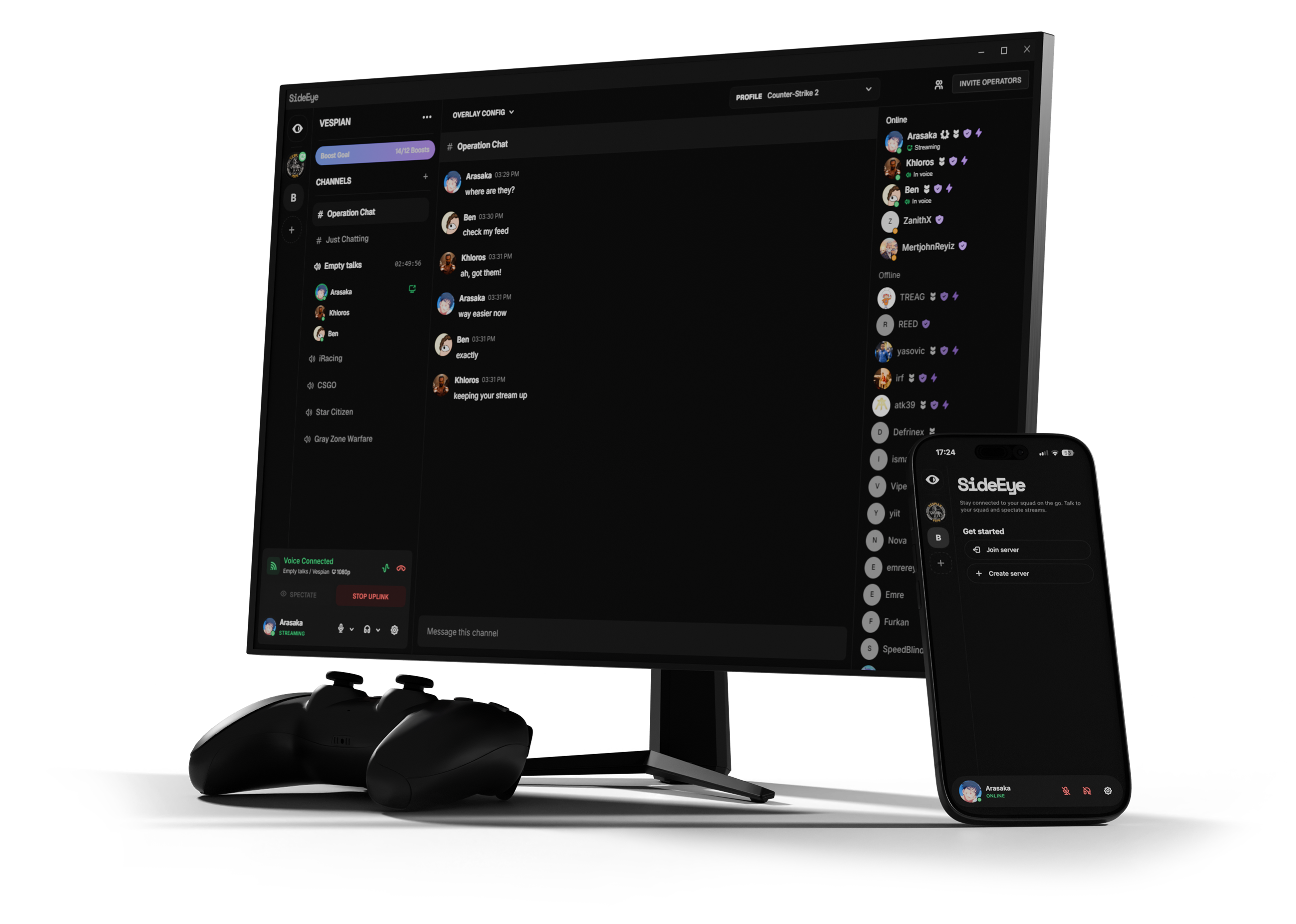
Watch our short demo video to see how SideEye gives you the tactical advantage in competitive games. Real-time screen sharing, seamless overlays, and squad coordination—all in one powerful app built for gamers.
Tested and trusted across the most competitive games





No more alt-tabbing or clunky second monitors. Experience seamless real-time screen sharing with transparent overlay technology. Share what matters, when it matters—all inside one powerful, intuitive application built for gamers.
Share your screen instantly with squad members using P2P technology. Low latency, high quality—your teammates see what you see, in real-time.
View teammate screens directly over your game with customizable transparent overlays. Stay focused on your match while monitoring squad positions and strategies.
Create and manage gaming squads effortlessly. Invite players, control permissions, and coordinate with your team—all within the SideEye app interface.
Automatic updates on every launch. Stay current with the latest features and security patches without manual intervention.
Create and manage multiple channels. Organize your squad with role-based permissions and easy invites.
Broadcast your screen with ultra-low latency. P2P technology ensures smooth, lag-free streaming.
Intuitive settings panel with hotkey support. Customize quality, shortcuts, and display preferences.
Join thousands of gamers using SideEye for tactical advantage. Free download, instant setup, and seamless integration with your favorite games.